
Business Applications That Run in the Browser.
We build web applications, portals and management platforms that your team and customers can use from any device, with real-time data and nothing to install.
Why the web
What changes when your system runs in the browser
- Access from anywhere
- Staff, field teams and customers use the same system from any device.
- Nothing to install
- Updates reach everyone at once, with no software to maintain on each computer.
- Room to grow
- Add users, roles and features as the business and its processes change.
- Connected by design
- Link to payments, messaging, maps and other services through APIs.
What we build
Web applications for every kind of business process
Custom web applications
Purpose-built systems for your process.
Business portals
Secure access for customers and partners.
Internal management platforms
One place for the daily work of your teams.
SaaS applications
Multi-customer products with accounts and plans.
Responsive interfaces
Comfortable on desktop, tablet and phone.
API integrations
Payments, messaging, maps, accounting and more.
Modernization of legacy systems
Move desktop or FileMaker solutions to the browser in stages.
Modernization
Already running on FileMaker?
We specialize in moving FileMaker solutions to modern web applications while keeping your data and business logic. Our migration service includes 3 hours of free migration consultation.
Project examples
Web applications in daily use
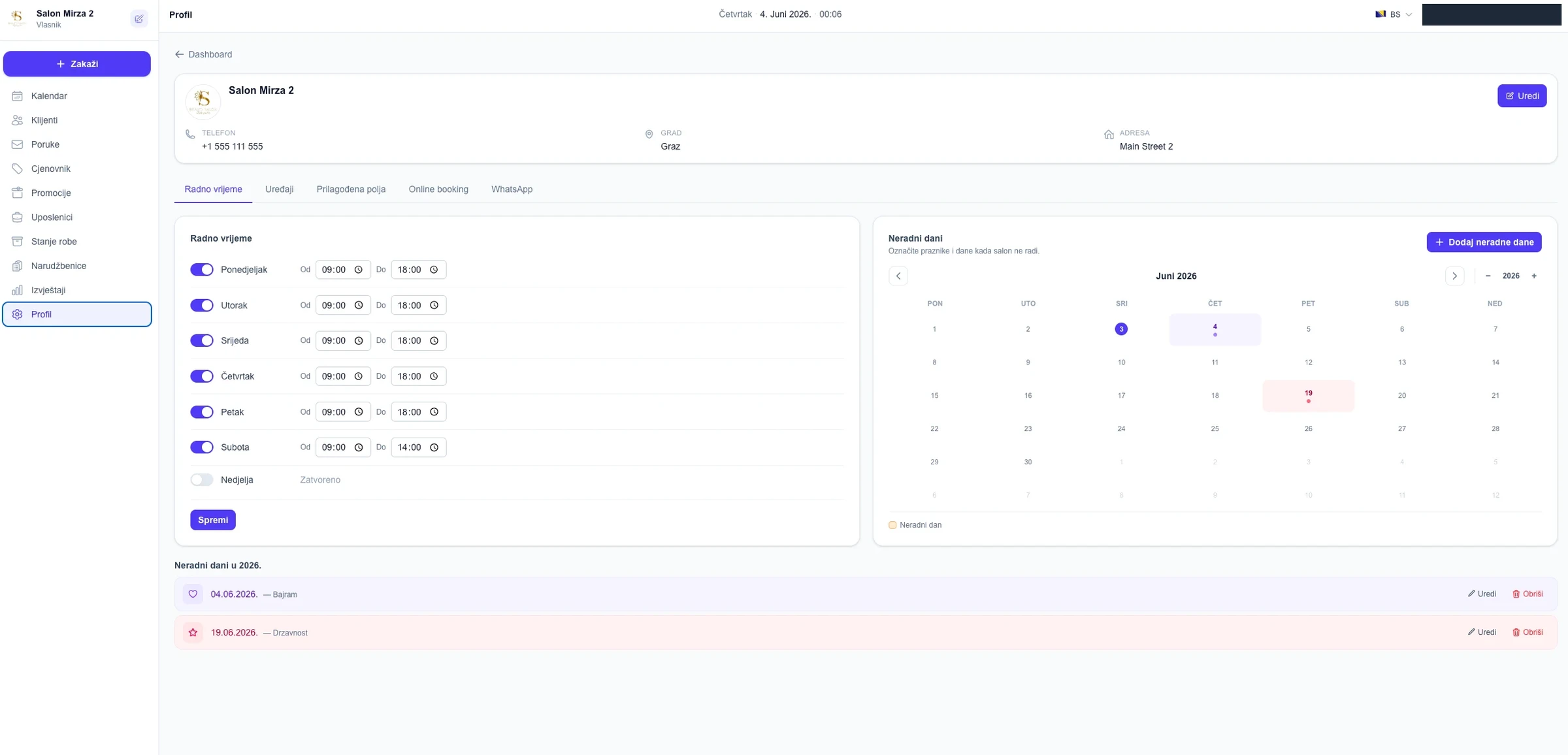
- Salon management application
Salon management application
A modern web application for salon operations with scheduling, clients, messages, price lists, employees, stock and reports.
Read the case study - Value Maids
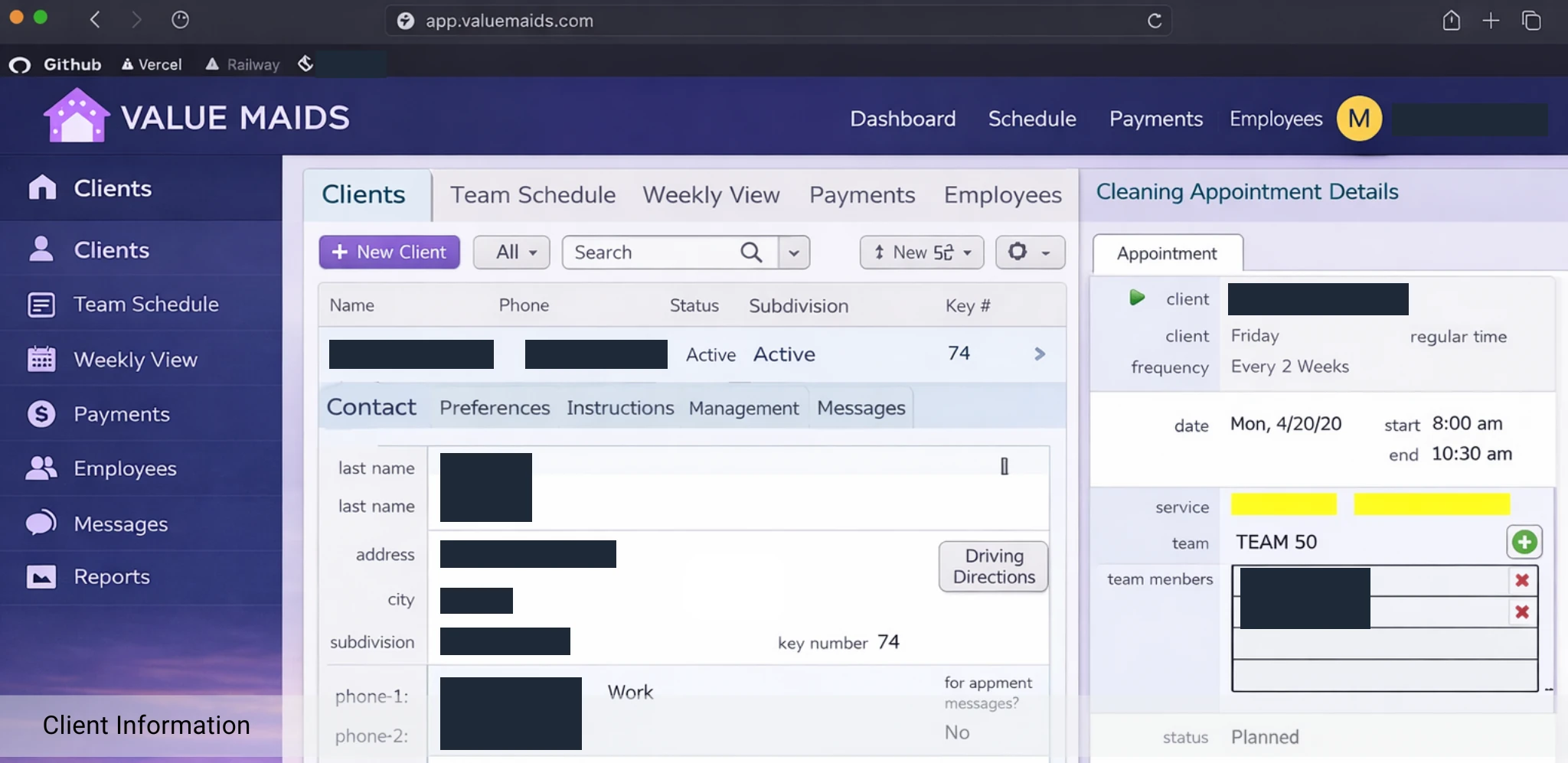
Value Maids
The Value Maids business system, shown here in a browser. The published case study covers the FileMaker solution for bookings, scheduling, payments and client messaging.
Read the FileMaker case study - The Radiology Cloud
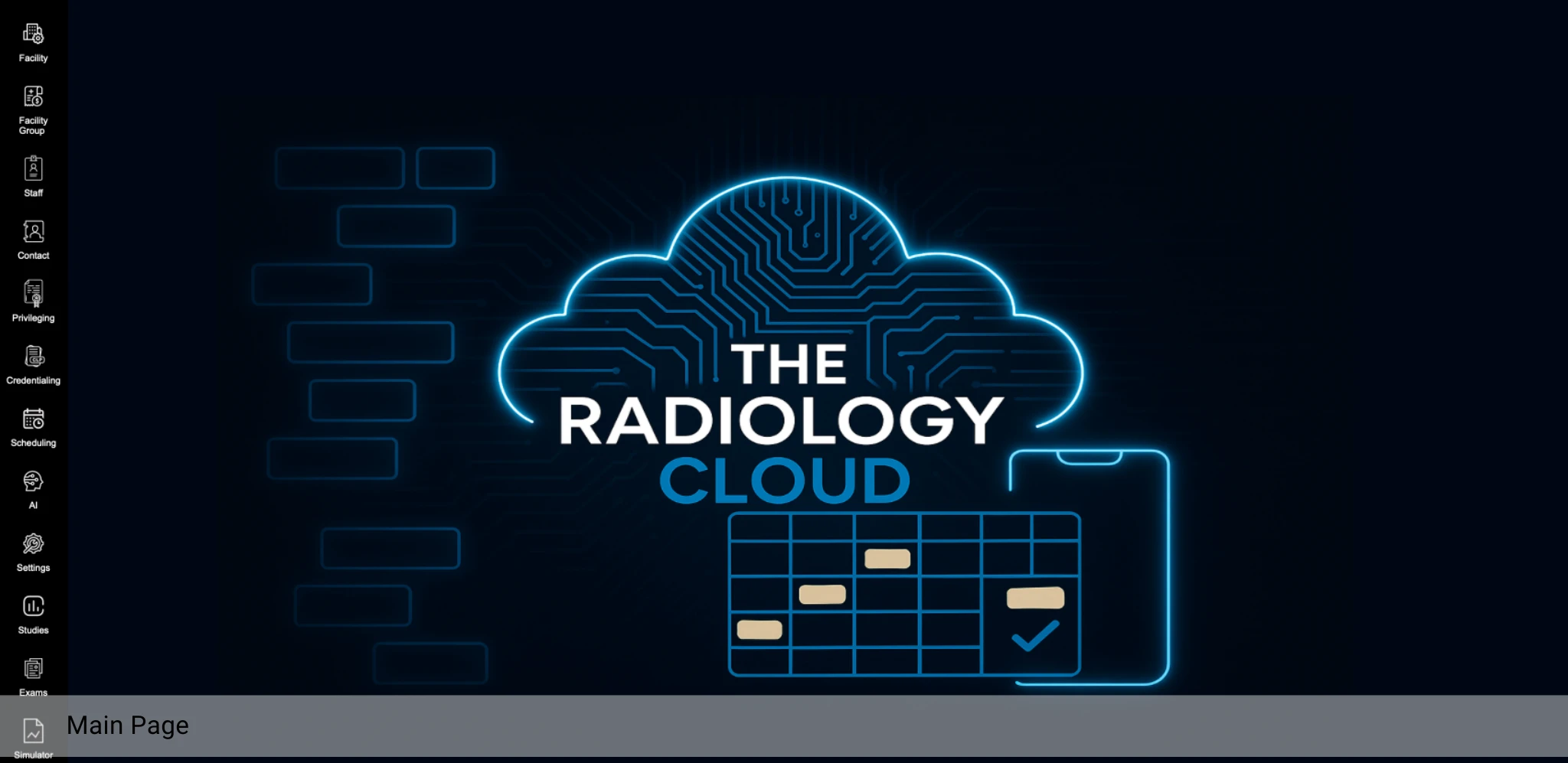
The Radiology Cloud
A cloud platform for radiology operations and workflows that serves multiple sites and teams.
Read the case study
Our approach
From workflows to a working application
Discover
We learn the workflows, users and data before designing screens.
Design
Interfaces are shaped around real tasks, tested with your team early.
Build
We develop in iterations so you can use and review working features.
Support
We host, monitor and keep improving the application with you.
FAQ
Web application questions, answered
What is the difference between a web application and a website?
A website mainly presents information. A web application lets users do work: sign in, manage records, run processes and see live data. We build the second kind.
Can customers or partners get their own access?
Yes. We build portals with separate roles and permissions, so customers, partners and staff each see only what is relevant to them.
Can you move our existing desktop or FileMaker system to the web?
Yes. We plan the migration so data, business rules and workflows carry over, and we can move in stages. We offer 3 hours of free migration consultation for FileMaker systems.
Will it work on phones and tablets?
Yes. Interfaces are designed to be responsive, so the same application works on desktop, tablet and mobile devices.
Can the web application connect to our other systems?
Yes. Web applications can integrate with your existing databases, accounting, email, messaging and other services through APIs.
Client reviews
What clients say about our web work
What clients say about our web work
Rated 5.0 out of 5
Overall we are very happy with the result of this big website redesign project. We can highly recommend Nihad and his team. The project took longer than hoped and expected but the final result was worth the extra wait.
Rated 5.0 out of 5
Excellent Filemaker/API developer. Fast, Smart, communicates well, we will definitely use again.
Mike S.
Upwork client
Project: Filemaker Developer for moving stock quotes via REST API into FM db
Upwork profile
Take your business processes to the browser.
Tell us what your team does in your current system. We will outline what a web version could look like.