
Stop Retyping Data Between Systems.
We connect your existing tools and automate the repetitive steps in between, so information moves on its own and your team can focus on decisions instead of data entry.
Typical automations
Triggers and actions we set up
Illustrative examples of how each capability works in practice.
Workflow automation
WhenA new order arrives
ThenStock is checked and the right team is notified
API integrations
WhenA record changes in one system
ThenThe same change appears in the others
Data synchronization
WhenA supplier sends a price list
ThenProducts and prices update automatically
Document processing
WhenAn invoice or form is received
ThenKey data is read and entered into your system
Automated notifications
WhenA status changes
ThenCustomers or staff get the right message by email or SMS
Approval workflows
WhenA request is submitted
ThenIt is routed to the approver and tracked until done
Project examples
Automation running in real businesses
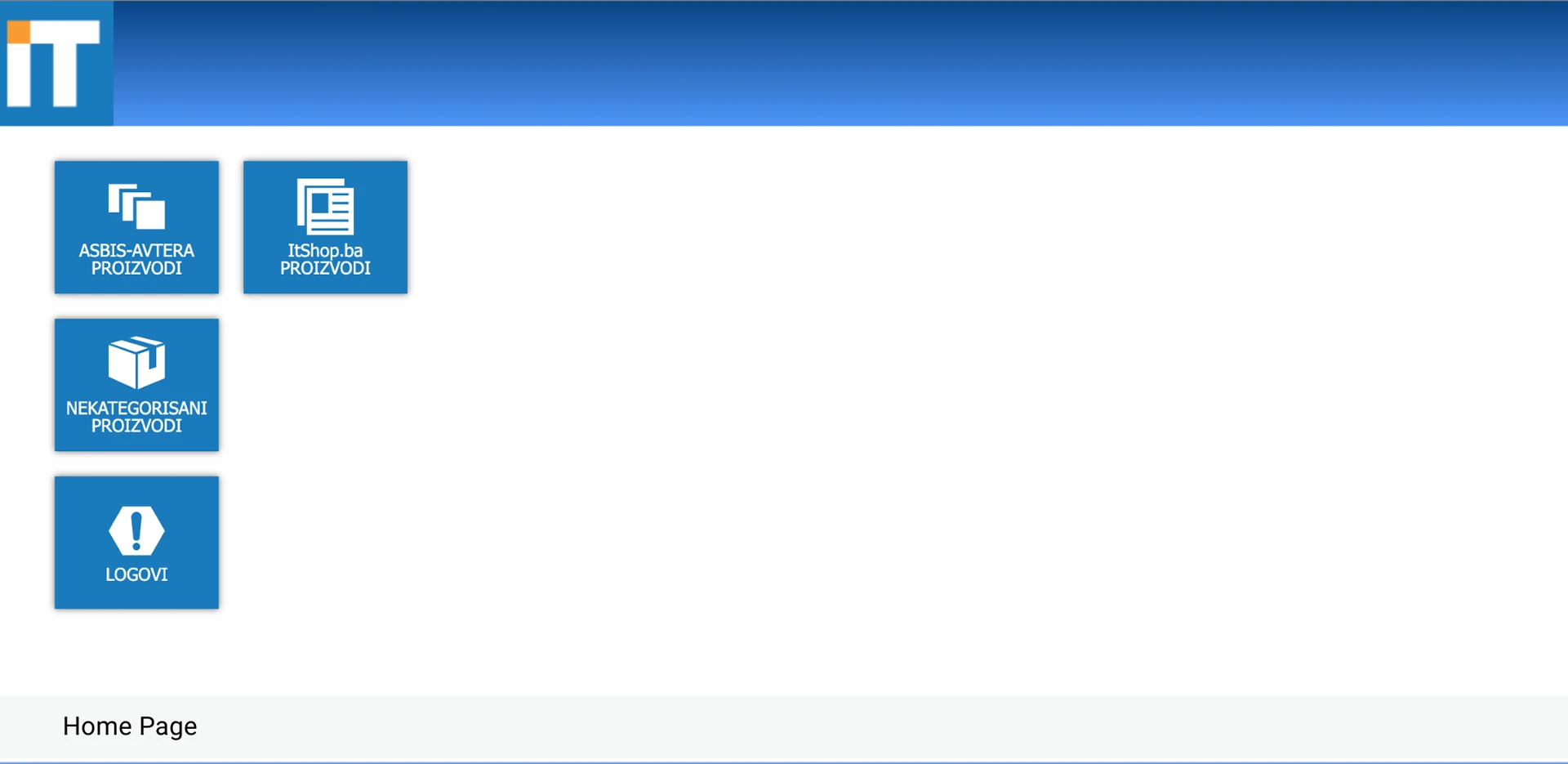
IT Shop
An e-commerce platform that works with multiple suppliers. Product imports and price updates run automatically, and stock is kept in sync with the ERP so the shop reflects what is actually available, even under high traffic.
BLOOM Outdoor Möbel
A multi-region e-commerce site is integrated with the central MRP system, so web orders flow through to production without manual re-entry.
Read the BLOOM case studyIntegrations
What we connect
APIs, messaging, email and calendars are the common building blocks.
 REST API
 Email
Email Twilio messaging
 Microsoft Graph
 Calendars
Our approach
Start with the task that costs the most time
Step 1
Find the repetition
We list the tasks your team repeats and rank them by time spent and error risk.
Step 2
Connect the systems
We link the tools involved and define the rules that move data between them.
Step 3
Automate and monitor
We launch, watch the results, and refine so exceptions are handled cleanly.
FAQ
Automation questions, answered
Which processes are good candidates for automation?
Repetitive, rule-based work that follows the same steps each time: copying data between systems, sending status updates, checking documents, routing approvals and importing supplier files.
Do we need to replace our current software?
Usually not. Automation works by connecting the tools you already use through their APIs, files, email or databases, and adding the logic that is missing between them.
What happens when something goes wrong in an automated process?
We design for failure. Automations log what they do, flag exceptions to a person instead of failing silently, and can be paused or re-run.
Can automation include approvals by people?
Yes. Many workflows combine automatic steps with a human decision, for example routing a request to the right approver and continuing once it is approved.
How do we decide where to start?
We look for the process that costs the most time or causes the most errors, and automate that first. Starting small proves the value and builds trust in the approach.
Related work
GoHighLevel Intake & Voice AI Automation
Enquiry capture, nine-touch SMS and email follow-up, pipeline stages and custom webhook integrations, automated inside GoHighLevel for a personal injury practice.
Find the work your team should not be doing by hand.
Describe a process that feels repetitive. We will tell you whether it can be automated and what that would involve.