
AI That Does a Specific Job in Your Business.
We integrate AI into the software your team already uses, to read documents, answer questions, convert speech and automate routine steps, with clear limits and a person in control.
What we build
Practical AI use cases
Each one targets a specific piece of work, not a vague promise of transformation.
AI assistants
Assistants that answer staff or customer questions inside the tools they already use.
OCR and data extraction
Read scanned documents and enter the key fields into your system automatically.
Intelligent document processing
Classify, summarize and route incoming documents to the right person or process.
AI-powered workflows
Add AI steps to an automated process, with a person approving the important ones.
Knowledge-based assistants
Search and answer from your own documentation instead of from the open internet.
Integrations with business software
Connect AI services to your database, so results are stored and reusable.
Realistic expectations
Where AI helps, and where it does not
We would rather tell you early that something is a poor fit than build it anyway.
A good fit
- Reading and extracting data from documents, forms and emails
- Answering questions from your own manuals, policies or knowledge base
- Drafting, summarizing and routing information for review
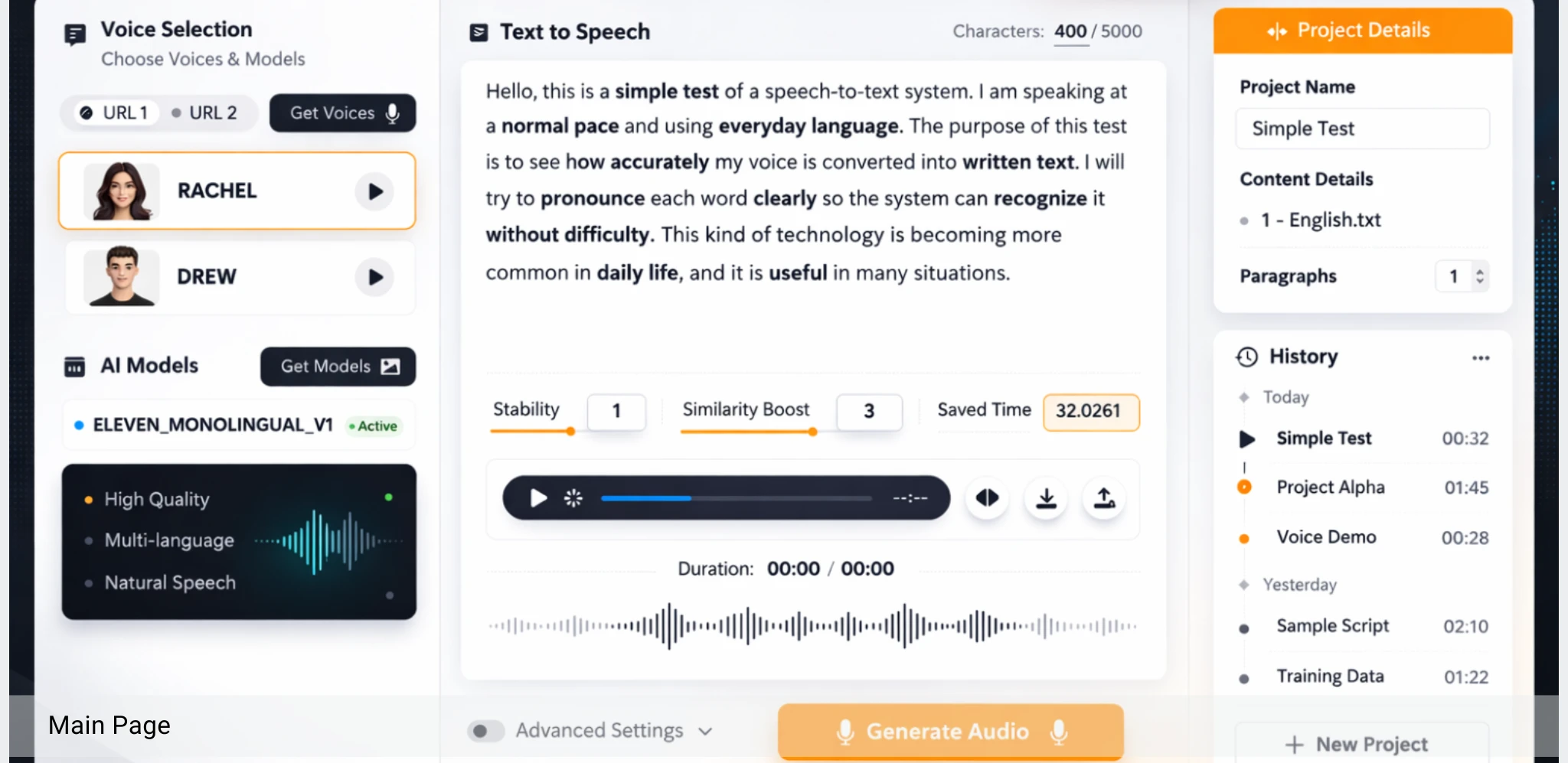
- Turning speech into text, or text into natural audio
Not a good fit
- Replacing human judgment on high-stakes decisions
- Processes that are not yet defined or have no consistent data
- Expecting a finished result with no review step
AI inside your software
Connect AI to the system your team already works in
Results are stored in your own database, so they can be searched, reviewed and reused instead of living in a separate chat window.
We integrate AI services with Claris FileMaker applications and other business systems, including speech-to-text, image recognition, natural language processing and OpenAI-powered assistants.
See all integrated technologies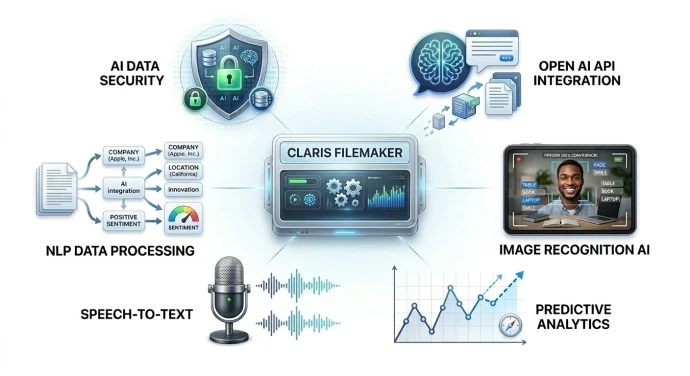
Project examples
AI in production
RadVoice
An AI-powered voice solution for radiology. Professionals can listen to medical reports as natural audio and create reports by speaking, using a smartwatch, mobile device or any connected microphone. Audio is generated with ElevenLabs.
Read the RadVoice case study
Synthesis Health
A radiology operations platform for multi-site workflows, credentialing and compliance across the U.S. and Canada, using Flowise for AI workflows.
The Radiology Cloud
A radiology workflow platform that also integrates Flowise for AI-supported processes.
Read the case studyTools we integrate
 OpenAI API
 Flowise
 360Works Scribe
Our approach
Start small, prove it, then extend
Step 1
Pick one process
Choose a task that is repetitive, well understood and worth the effort.
Step 2
Prove it in a pilot
Build a small version with your real data and measure the result with your team.
Step 3
Extend what works
Roll the approach out to other processes, keeping a person in the loop where it matters.
FAQ
AI questions, answered
Do you train your own AI models?
In most business projects, the better approach is to integrate established AI services and tools and connect them to your data and workflows, rather than training a model from scratch. We explain the options and trade-offs for your case.
Can AI work with the software we already use?
Yes. A large part of our AI work is integration: connecting AI services to business systems such as FileMaker applications, so results appear where your team already works.
How do you handle sensitive or confidential data?
It depends on the data, the provider and where processing happens. We review this with you at the start, choose a setup that fits your requirements, and design the integration so only the necessary data is sent.
Will AI replace our staff?
We focus on removing repetitive reading, typing and searching so people have more time for judgment and customer work. For important decisions we design workflows where a person reviews the result.
How do we start without a big commitment?
Pick one process, such as reading incoming documents or answering internal questions, and run a small pilot. If it works, we extend it. If it does not, you have learned that at low cost.
Related work
GoHighLevel Intake & Voice AI Automation
Grace, a custom Voice AI intake assistant that answers after-hours calls, qualifies the caller's intent, transfers urgent leads to a real person and schedules callbacks otherwise.
Find the first place AI can save your team time.
Describe a process that involves a lot of reading, typing or searching. We will give you an honest view of what AI can and cannot do there.