
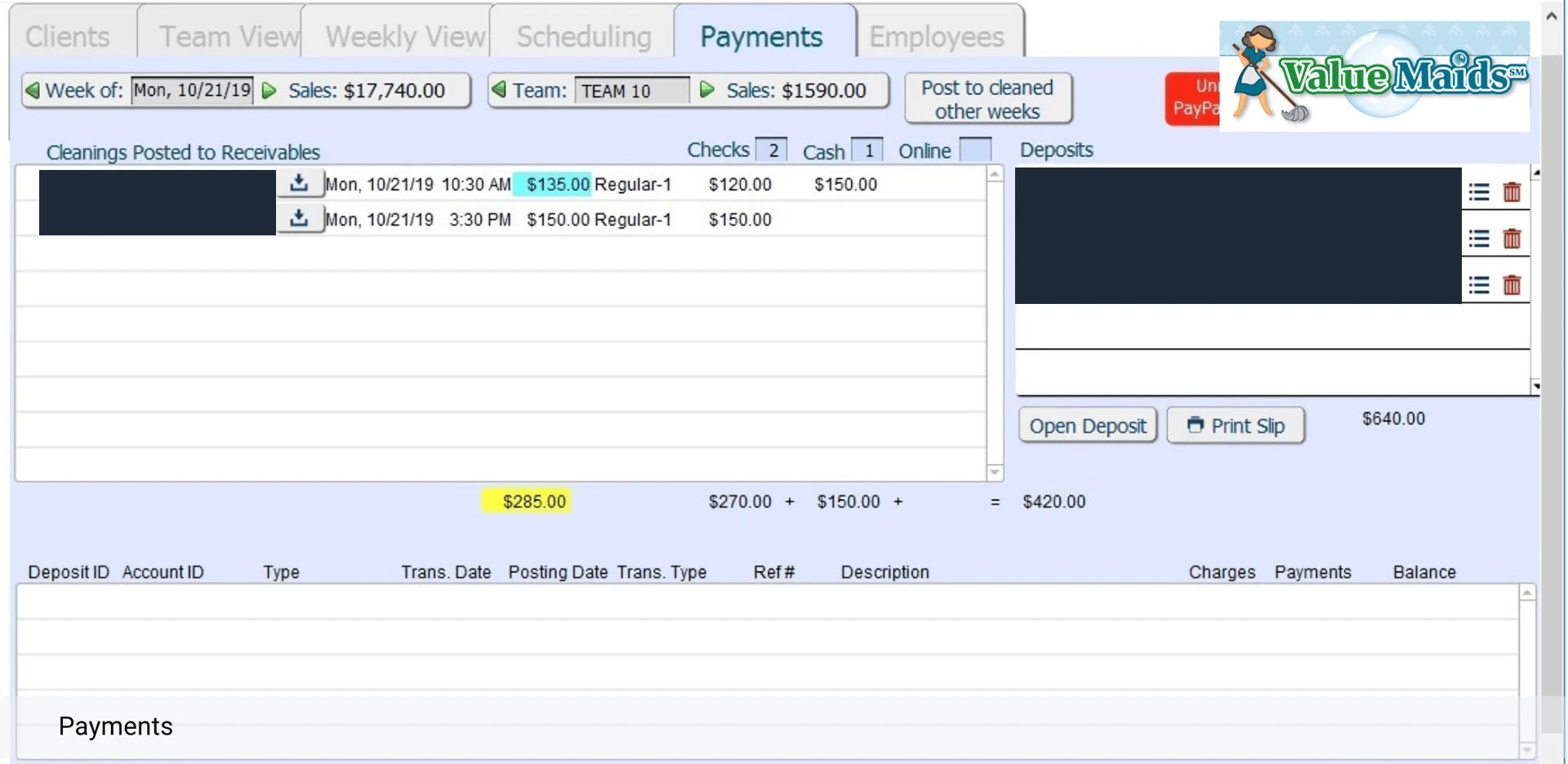
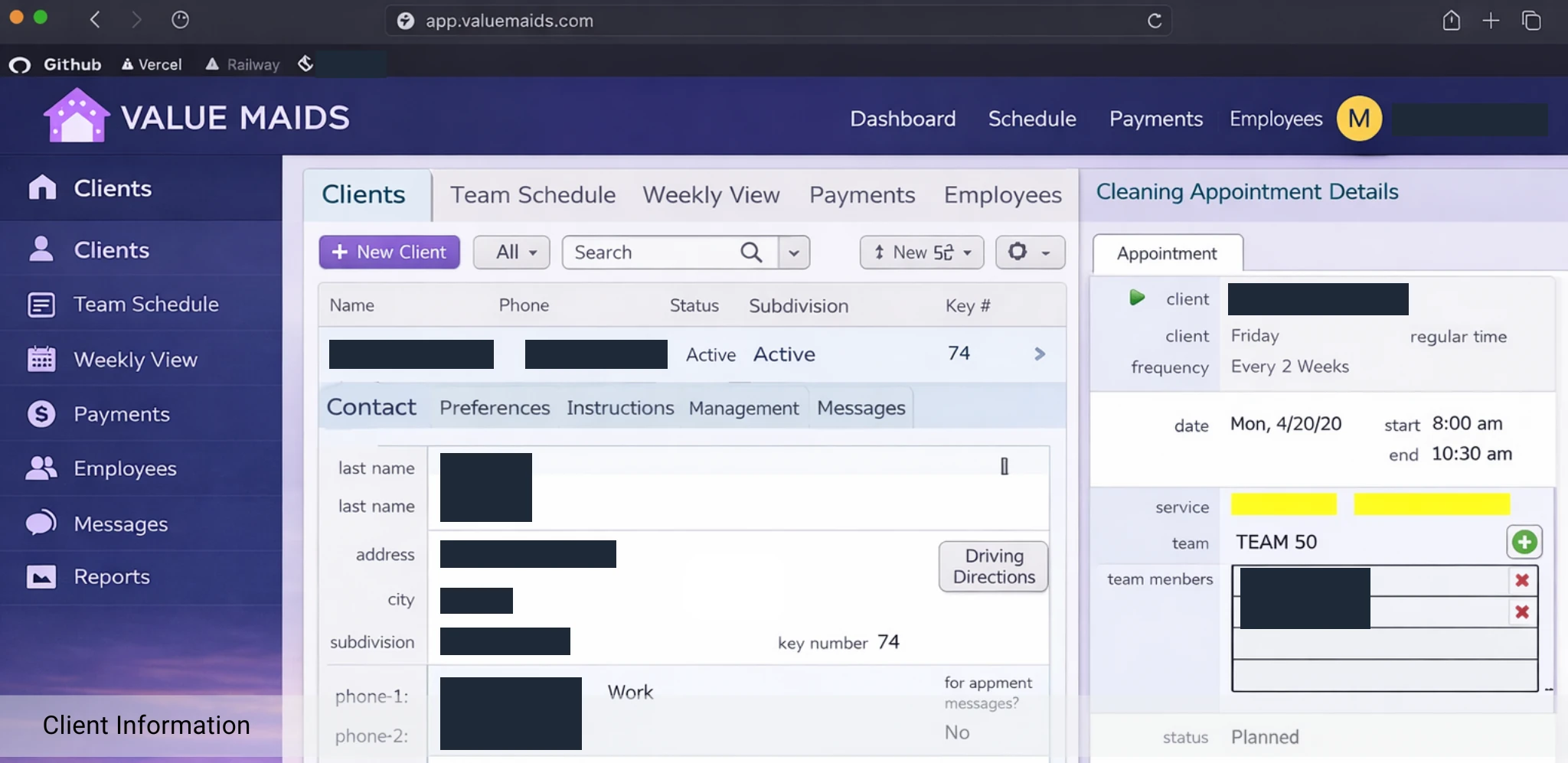
Why move from FileMaker to web?
What a web application can open up
Every FileMaker solution is different. These are the areas where a web-based architecture can make a difference. We confirm which of them apply to you during the assessment.
Modern browser-based access
Users open a link instead of installing a client, on desktop, tablet or mobile.
Improved user experience
Interfaces can be redesigned around real workflows rather than the constraints of the original layouts.
Greater technology flexibility
A web stack opens up a wide choice of frameworks, libraries and hosting options.
Easier integration opportunities
Modern APIs make it simpler to connect with e-commerce, payments, communication and other business systems.
Scalable architecture
Web infrastructure can be designed to support a growing number of users and growing data.
Reduced dependency on specific platforms
Your logic and data can live in open, widely supported technologies you control.
Outcomes depend on how your current solution is built. We make no assumptions about results before reviewing your application.
Our migration process
Five steps from FileMaker to the web
A structured process that starts by understanding what your solution does today, so nothing valuable is lost on the way.
Step 1: Discovery
We learn how your business uses the solution today: who works in it, which workflows matter most and where the friction is.
Step 2: Assessment
We review the data model, scripts, layouts, reports and integrations to understand what exists and how complex the migration is.
Step 3: Migration Strategy
We define scope and target architecture and agree what is migrated as-is, redesigned or rebuilt. Typical stacks include React, Node.js and PostgreSQL, chosen per project.
Step 4: Development
We build a responsive front end and a modern backend, carry over proven business logic and migrate your data, with regular reviews along the way.
Step 5: Deployment
We deploy to modern cloud hosting such as Vercel and Railway where appropriate, validate with your team and plan the switch-over together.
What can be migrated?
Most of your solution can be assessed, then migrated or rebuilt
We use modern web technologies to carry your solution forward. What that means for each area depends on how your application is built, and we clarify it during assessment.
- Business workflows
- Approvals, bookings, order handling and other day-to-day processes are mapped and reproduced, or improved where it makes sense.
- Data structures
- Tables, relationships and existing records are analyzed and moved into a modern database such as PostgreSQL.
- User interfaces
- Layouts are redesigned as responsive web screens that work on desktop, tablet and mobile.
- Business logic
- Calculations, scripts and validation rules are documented, then retained or reimplemented in the new backend.
- Reports
- Existing reports and exports are reviewed and rebuilt as web reports, dashboards or downloadable documents.
- Integrations
- Connections to email, payments, e-commerce, accounting and other systems are reviewed and rebuilt through APIs.
Free consultation offer
3 Hours of Expert Consultation. Completely Free.
Sit down with our certified FileMaker developers and get a clear picture of your options. The consultation is free and carries no obligation.
In the consultation we will
- Review the existing FileMaker solution
- Discuss business requirements
- Identify migration challenges
- Evaluate technical options
- Recommend next steps
Free consultation
Request your 3 free hours
Tell us a little about your FileMaker solution. We will get back to you to agree how best to use the consultation.
Email
info@fmsolutions.ba
FAQ
Questions we hear about migration
Straight answers to the questions most FileMaker teams ask before they start.
How long does a FileMaker to web app migration take?
It depends on the size and complexity of your solution: the number of tables, scripts, layouts, reports and integrations, and how much of the interface is redesigned. We do not quote fixed timelines up front. After the assessment we can give you a realistic estimate and, where it makes sense, propose a phased approach so your team benefits early.
What happens to my existing data?
Your data structures and records are analyzed during the assessment and then moved into a modern database. The migration is planned carefully and tested with you before go-live, so you can verify the result against your current system.
Will my business logic be preserved?
The logic behind your solution is one of its most valuable assets. We document calculations, scripts and validation rules during the assessment and carry over what still serves your business. Where logic is outdated or tightly bound to the FileMaker interface, we recommend a redesign and agree it with you first.
Can my integrations keep working?
Integrations are reviewed as part of the assessment. Many can be rebuilt using modern APIs. We will tell you which ones are straightforward and which need special attention before any work begins.
Will there be downtime during the migration?
The aim is to keep disruption low. The new web application is typically built and tested while your current FileMaker solution keeps running. How the switch-over is handled, and whether any downtime is needed, is planned with you once we understand your setup.
How much does a migration cost?
Cost depends on the scope and complexity of your solution, so we do not publish fixed prices. After the free consultation we can outline the factors that drive cost in your case and prepare a proposal based on what we find.
How does the free consultation work?
Send us a short description of your solution using the form. We will get in touch to agree how to use the three hours. They are spent reviewing your FileMaker solution, discussing your requirements, identifying migration challenges, evaluating technical options and recommending next steps. The consultation is free and carries no obligation.
Ready to Take Your FileMaker Application to the Web?
Let's explore your options together.
Book Your Free 3-Hour Consultation